
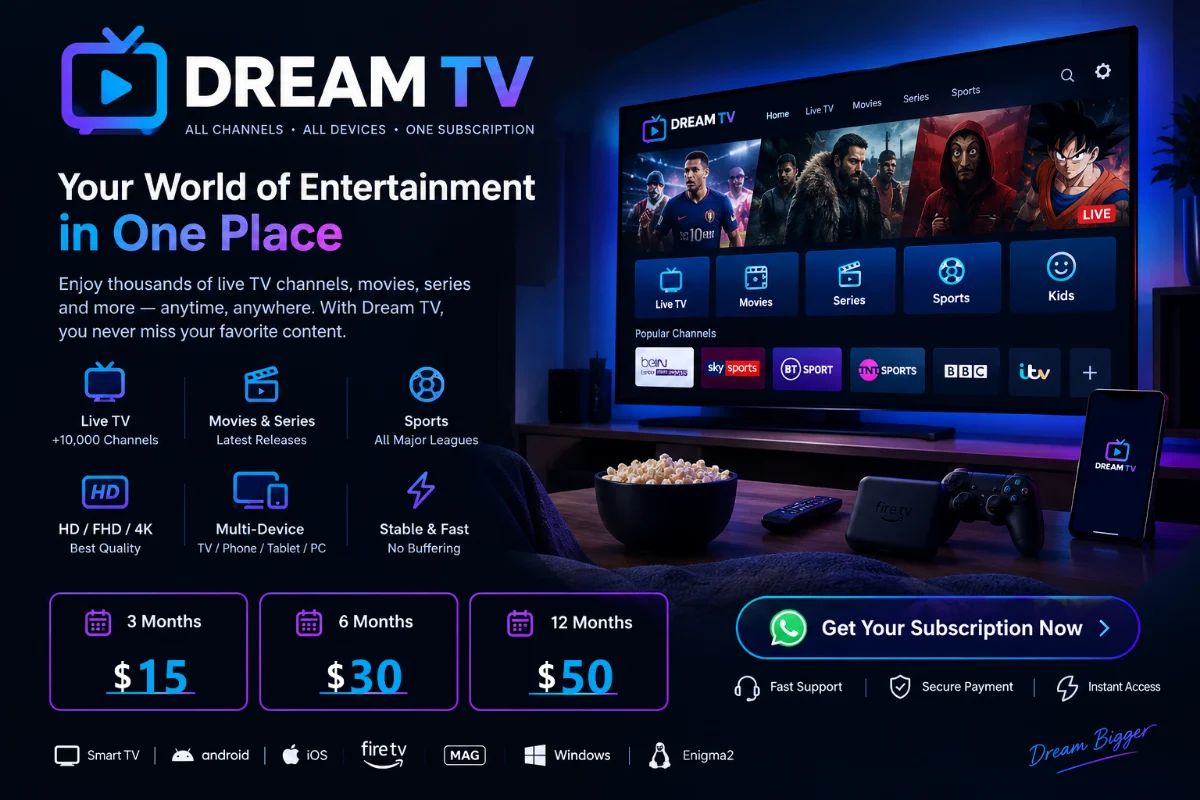
Dream TV Firestick, Android TV & Smart TV Setup Guide (UK 2026)
Getting your Dream TV Firestick or Dream TV Android app running properly makes a huge difference to weekend match-day stability. Choosing the right player application and tuning two simple network settings prevents 90% of common UK buffering issues on BT, Sky, Virgin Media, and Vodafone broadband.
Which Dream IPTV App Should You Install? (Comparison Table)
Dream4TV credentials use universal M3U and Xtream Codes standards, giving you full flexibility across third-party apps on Fire TV OS, Android TV, Google TV, Apple TV/iOS, Samsung Tizen, and LG webOS.
| Player Application | Supported Devices | Login Method | Best For |
|---|---|---|---|
| TiviMate IPTV | Fire TV Stick, Android TV, Google TV, NVIDIA Shield | Xtream Codes API (recommended) or M3U | Clean UK TV guide interface & 4K 60FPS live football |
| IPTV Smarters Pro | Firestick, Android, Samsung, LG, iOS, Windows/Mac | Xtream Codes API | Straightforward setup across mixed household screens |
| XCIPTV Player | Fire TV Stick, Android TV Boxes (Xiaomi, Formuler) | Xtream Codes API | Lightweight decoder performance on streaming boxes |
| IBO Player / Flix IPTV / HOT Player | Samsung Tizen & LG webOS Smart TVs | M3U URL or Portal MAC Upload | Direct installation straight from Samsung/LG app stores |
Note: IPTV applications are independent third-party media players. Any optional app developer licence fee (such as TiviMate Premium or IBO Player activation) is separate from your DREAM TV subscription.
How to Set Up Dream TV on Amazon Fire TV Stick (4K / Max / Lite)
Follow these five steps on your Fire TV Stick or Fire TV Cube:
- Install the Downloader App: From the Firestick home screen, select Find > Search, type
Downloader, and install the official orange Downloader app from Amazon Appstore. - Allow App Installation: Go to Settings > My Fire TV > Developer Options (if Developer Options is hidden, click About > Fire TV Stick 7 times rapidly until You are already a developer appears) and enable installation for Downloader.
- Install Your Player: Message our WhatsApp support desk (+44 7456067011) for the verified Downloader code for IPTV Smarters Pro or TiviMate, then install and open the player.
- Enter Xtream Codes Credentials: Choose Log in with Xtream Codes API (in IPTV Smarters Pro) or Add Playlist > Xtream Codes (in TiviMate). Type the Server URL, Username, and Password sent on WhatsApp carefully—pay attention to uppercase and lowercase letters.
- Update UK EPG Guide: Allow the initial channel list and 7-day UK Electronic Programme Guide (EPG) 20–30 seconds to load. Your live channels and VOD library are ready to stream.
Setting Up Dream TV on Android TV, NVIDIA Shield & IPTV Boxes
If you use a Sony Bravia, Philips, TCL Google TV, NVIDIA Shield, Xiaomi Mi Box, or dedicated Android/Formuler box:
- Open the Google Play Store directly on your TV or box and search for TiviMate or XCIPTV Player.
- Open the app, select Add Playlist > Xtream Codes login, and enter the credentials delivered after checkout.
- Under Player Settings, verify Video Decoder is set to Hardware so 4K 60FPS sports play smoothly without frame drops.
- For MAG boxes (MAG 524/420) or Enigma2 receivers, send your device MAC address or preferred format to WhatsApp after choosing your plan so our team prepares the matching portal link.
How to Fix IPTV Buffering on UK Broadband (BT, Sky, Virgin Media & Vodafone)
If streams stutter during busy Saturday 12:30 PM kick-offs or Champions League nights, run through these quick UK network checks before assuming a server issue:
- Check Real Speed at the TV: 4K UHD streams need 30–50 Mbps steady throughput, while Full HD needs 15–20 Mbps. Run a speed check inside your TV browser or Firestick app rather than on your phone near the router.
- Switch from 2.4GHz Wi-Fi to 5GHz or Ethernet: Walls and thick UK Victorian brick cut 2.4GHz speeds drastically. Connect your Firestick or Smart TV to the 5GHz Wi-Fi band or plug in an inexpensive Firestick USB Ethernet adapter.
- Check ISP Hub Security Filters: Broadband shield filters (like BT Web Protect, Sky Broadband Shield, or Virgin Web Safe) occasionally block third-party streaming hostnames or slow DNS lookups. Switching device DNS to
1.1.1.1or8.8.8.8often clears sudden connection hiccups. - Clear App Cache Weekly: On Firestick or Android TV, go to Settings > Applications > Manage Installed Applications > [Your IPTV App] > Clear Cache (never Clear Data unless re-entering logins) to keep RAM responsive.
Frequently Asked Questions
Which IPTV player works best on an Amazon Fire TV Stick 4K?
TiviMate and IPTV Smarters Pro are the two most popular choices among UK Dream4TV subscribers. TiviMate offers a snappy cable-style 7-day UK TV guide, while IPTV Smarters Pro is straightforward for quick setup across all devices.
Can I put my Dream TV login on both my Smart TV and my phone?
Yes. You can install your credentials on multiple household devices (TV, Firestick, phone), with 1 active stream running at a time on standard plans. If you want simultaneous multi-room watching, ask on WhatsApp before ordering.
Where can I check UK channel categories and plan pricing first?
Read our Dream 4K IPTV Review, UK Channel List & Pricing guide or go straight to https://dream4tv.com/#pricing.